How to use Windows snipping tool to record a screen capture and share
-
On your computer, open your windows menu
-
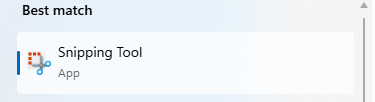
Search for “Snipping Tool” to find and open the app
-
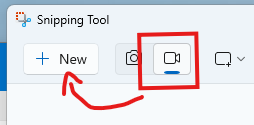
Select the video camera icon and click New
-
Drag the selector over the section of your screen you want to record.
-
After you’ve finished recording, you will see a share option in the top right corner.